
External Ports & Gimp
Day 7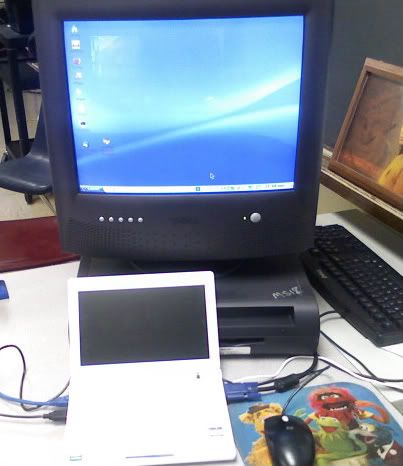
I also decided to install Gimp. I've had limited experience with image work using Gimp and although it's no Photoshop, it's what available, so it'll have to do. It took about 25 minutes, but I made the banner for this blog. Not bad, huh?
I used the console for Gimp. In case you're interested, here's the commands. I have no idea if it requires any special repositories. It didn't for me, but that means very little because I've been adding repositories like crazy. The more the better, right?
sudo apt-get update
sudo apt-get install gimp


